
Download
Excel workbook, 31 KB. Opens in Excel, Google Sheets and LibreOffice.
Keep every application, follow-up and interview round in one spreadsheet. It reminds you when to follow up and shows your reply rate, so you can see what is working. Free, no sign-in, and your data stays on your own device.
Excel workbook, 31 KB. Opens in Excel, Google Sheets and LibreOffice.
| Sheet | What it does |
|---|---|
| Applications | Company, role, link, where you found it, date applied, status, follow-up date, contact and notes. A row turns orange when a follow-up is due. |
| Interviews | One row per round: stage, date, format, interviewer, how to prepare, the questions asked and the outcome. A round in the next two days turns yellow. |
| Pipeline | Counts by status, your reply rate, how many reached interview, follow-ups due and interviews this week, against a weekly target you set. |
| How to use | Short instructions and three tips. Works in Google Sheets too. |
One short block a day is enough. The days are a suggestion; keep the order.
| Day | What to do | Sheet |
|---|---|---|
| Monday | Open the Applications sheet. Send the follow-ups on orange rows and set this week's target on the Pipeline sheet. | Applications, Pipeline |
| Tuesday | Search with the same two or three role titles. Shortlist only the postings whose essential requirements you can show evidence for. | Applications (notes) |
| Wednesday | Tailor your resume to the best shortlisted roles and apply. Add a row only once you have actually submitted the application. | Applications |
| Thursday | Prepare for any round in the next two days (the yellow rows) and write down the questions you expect. | Interviews |
| Friday | Update every status, then read the Pipeline sheet: which searches led to replies, and what to change next week. Change one thing, not everything. | Pipeline |
Yes. Download it, copy it and share it. No sign-in and no email address needed.
Yes. Upload the file to Google Drive and open it with Google Sheets. It also opens in Excel and LibreOffice. It uses plain formulas and drop-down lists, no macros.
In the file on your own device, or in your own Google Drive if you upload it there. We never see it.
About a week after applying, if nobody has replied. The tracker fills in that date for you and highlights the row when it arrives. One short, polite note is enough.
It varies by field and country, but if fewer than one application in ten gets any reply, the resume usually needs tailoring to each role. Our free ATS resume checker shows what a posting asks for that your resume does not say.
Resume screening, candidate matching, job-board aggregation, document generators or any other search-and-learn tool, built in India for your data and your rules.
Place names: GeoNames, CC BY 4.0. Job feeds are credited on each listing. QR codes: qrcode-generator by Kazuhiko Arase (MIT). "QR Code" is a registered trademark of DENSO WAVE INCORPORATED.
A line is enough. No sign-in needed; the owner reads every note.
Drag the wheel or use the arrows. Pick a service to read more, or call +91 8197424540.

Scalable applications, mobile apps and AI-driven solutions built end to end.
Explore Services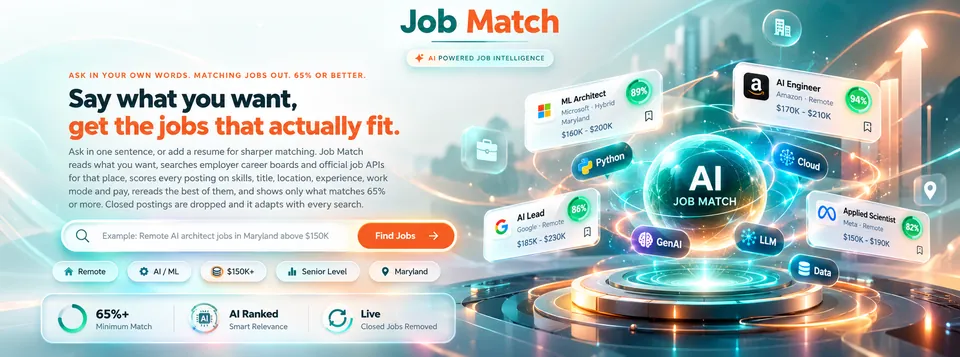
Ask in your own words. It searches employer career boards and official job APIs and shows only what scores 65/100 or more.
Try Job Match
Software built around how your business actually runs, not a generic template.
See custom software
Connect your tools and automate the repetitive work out of your day.
See automation
Secure, scalable cloud infrastructure that grows with your business.
See cloud solutions
Ganapati Astrology: our own production engine, 100+ reports, 7,400 charts validated.
See the case study
From a new company registration to a live website and search visibility, in nine milestones.
See the 90 daysWrite to us any time; we reply within one working day.
buildnextgenaisolutions@gmail.comOpen Mail AppTell us what you need. We reply by email or phone within one working day.